
ecolog plant

ECOLOG // SEED VAULT

FLYTRAP()

STATUS: INFESTED

> ECOLOG interface online

> type help

>

file: /ECOLOG/CREW_2_6

memory address: 0x7836329245901323

CREW TRANSCRIPT

BIODOME 7 // 14:18 STATION TIME

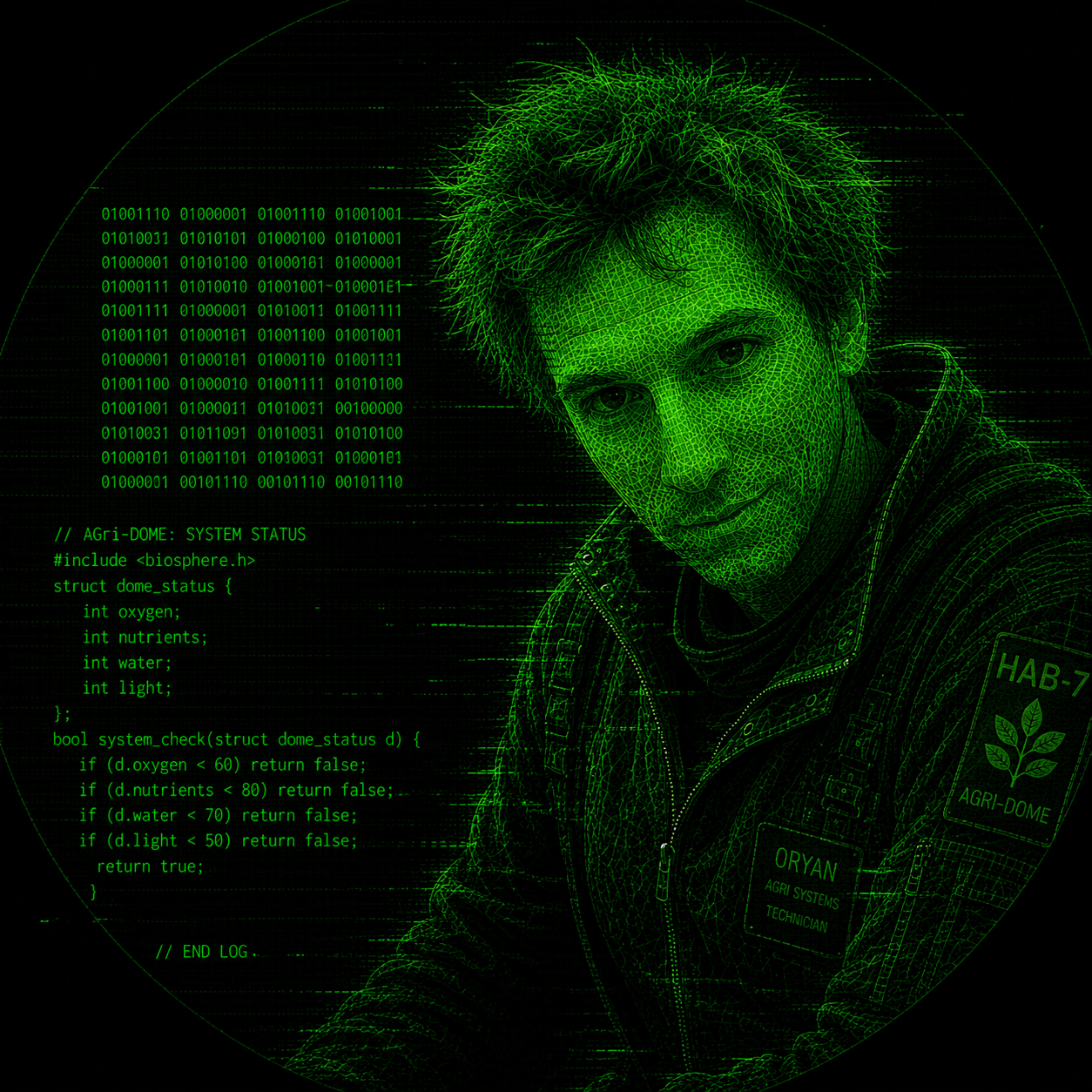
"I hate to admit it, Saraph, but we have a bug," Oryan said, hastily crawling out of a service hatch door.

Saraph stopped studying a Plutonian Peony briefly before resuming her examination of it. "Aren't these flower petals exhibiting the most lovely shades of pink and blue? It reminds me of the color of the sky on my homeworld when there's a dual solar eclipse."

"Did you hear what I just said?" Oryan said, meticulously trying to brush some dirt off his jumpsuit. "Also, dual solar eclipse? Your planet has two suns?"

"My planet, Zephyria, orbits one of a pair of stars in an s-type binary system called CYX-86 Canceris," Saraph said, sniffing the peonies. “And yes, I heard you with both ears and both antennas,” Saraph replied absentmindedly. "And why on Zephyria would there be a bug on a hydroponic space station? Maybe we should plant some Venus Flytraps to alleviate the problem?"

"Not that kind of bug, silly. I'm talking about a computer bug. I tried to open a comm channel to you and AIME stated she was unable to because there was a problem with one of the relays in Biodome 7. But I checked and they are all working great, which leads me to conclude there is some kind of bug in the computer system," Oryan said, wiping conduit grease off a wrench with a rag from his back pocket.

"Good, because I don’t know why you Earthlings call them Venus Flytraps anyway when they clearly aren’t from Venus. If you want a true carnivorous plant from the planet, I could bring aboard some Venus Sucker Shrubs. Of course then insects probably wouldn’t be the only thing on the menu."

Saraph said it with complete sincerity, which unfortunately did nothing to clarify whether she was serious.

"No thanks. I think I'll pass."

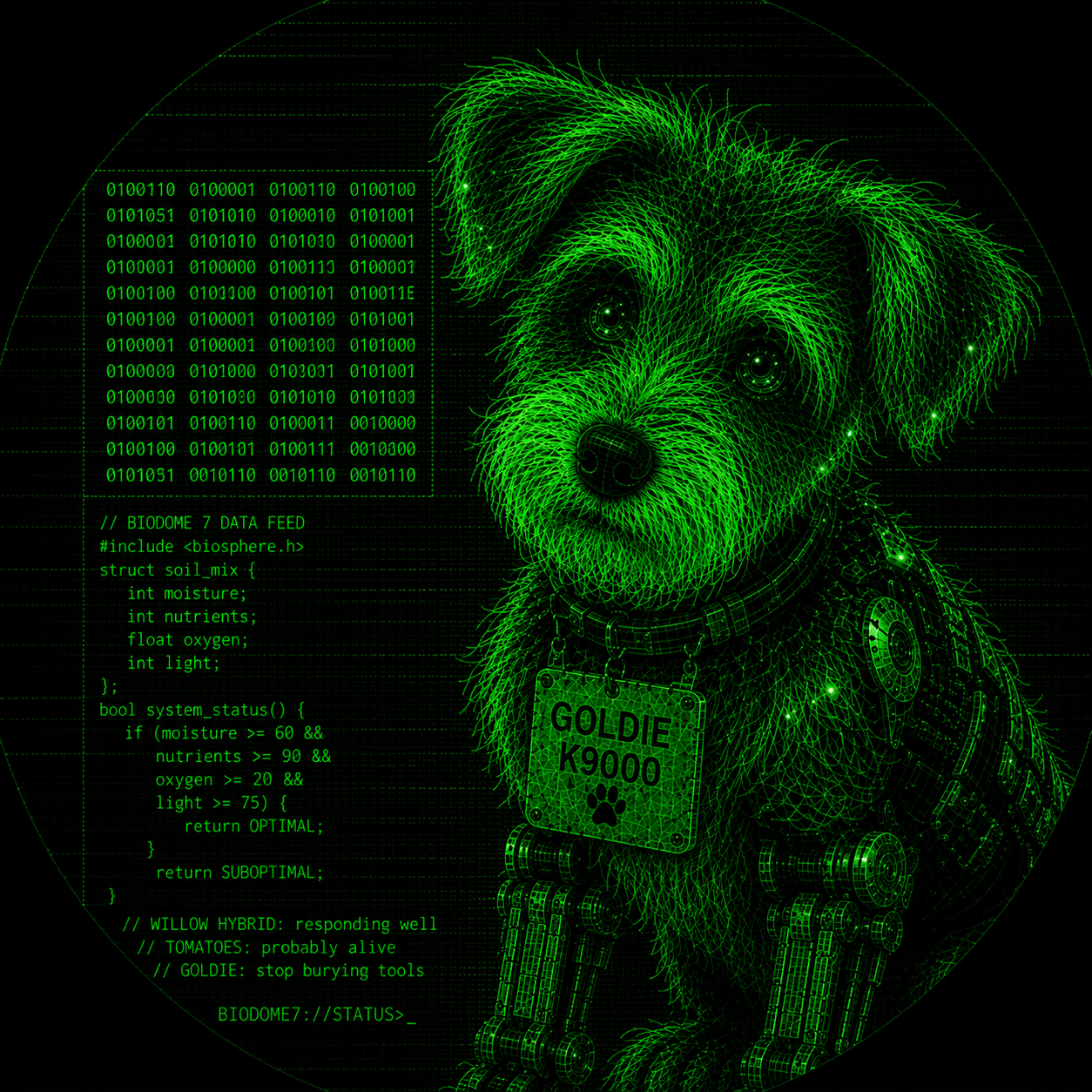
Suddenly, Goldie K9000 rocketed out of the access tunnel and leaped at Oryan, swiping the wrench from his hand. Goldie collided with him in a blur of fur, servos, and unnecessary enthusiasm. Before Oryan even blinked, she had darted out of the room.

Oryan exhaled an exasperated sigh. "I just recovered that wrench from the space spuds this morning. Between AIME and Goldie's erratic behavior lately, I’m absolutely convinced now there is some kind of bug in the system."

Saraph now let out a small chuckle about Goldie while still giving no indication whether she had been joking earlier about the Venus Sucker Shrubs. Zephyrians could be so weird.

file: /ECOLOG/GOLDIE_K9000_2_7

memory address: 0x4B6885DE14FFCF58

SYSTEM LOG // GOLDIE K9000

ARBORETUM 4 // 14:23 STATION TIME

CHAN ACTIVE GOLDIE K9000

Good girl.

Took wrench.

Oryan dig hole. Strange lady put things in dirt.

Smell good. Taste good.

Helping.

*** DIG COMMAND ACTIVATED ***

file: /ECOLOG/AIME_2_8

memory address: 0xDF6A202EDA0B4C29

UNRESOLVED QUERY // AIME

AUXILIARY MEMORY CACHE // 13:50 STATION TIME

CHAN ACTIVE AIME

Query: Informed Oryan there was a problem with a relay in Biodome 7.

All relays currently operational.

I am uncertain why I said otherwise.

No corrective action taken.

file: /ECOLOG/ORYAN_RIVERS_2_9

memory address: 0x65B35A5E8662EB41

PERSONAL LOG // ORYAN RIVERS

COMMAND CENTER // 14:59 STATION TIME

CHAN ACTIVE ORYAN RIVERS

When most dogs get the zoomies they just run around a bunch. But in Goldie K9000's case, she not only runs around, she also makes Zoom calls. If that isn't bad enough, try explaining to Saraph's parents why their circadian rhythms were disrupted by your dogbot at 03:00.

Sometimes I regret not going with the Labrador Retriever model. I bet they would make a better lab assistant than something closer to a lab experiment gone horribly wrong.

Despite all Goldie's faults — mainly segfaults — Saraph has become strangely attached to her.

Honestly, I think I have too.

I just wish every wrench I owned wasn't covered in dirt and dog slobber.

file: /ECOLOG/SARAPH_2_10

memory address: 0x4F5AADD7E44CA859

MAINTENANCE LOG // SARAPH

RESEARCH LAB // 15:25 STATION TIME

CHAN ACTIVE SARAPH

Since my joke about the Venus Sucker Shrubs failed to resonate with Oryan, I decided to assist him with the software anomaly instead.

Considering I originate from a binary star system, I was apparently the closest thing available to a binary expert.

Oryan suggested I begin by learning how to inspect binaries using a utility called gdb.

Apparently humans enjoy naming debugging tools after insects as well.

If you ask me, a Venus Sucker Shrub would probably still be more useful.

INTRODUCTION

Maintenance Note: Programs, like gardens, are often healthiest when observed carefully rather than uprooted immediately. Debuggers allow us to examine a system while it is still alive.

The GNU Debugger (gdb) is a command-line utility that is useful for analyzing a binary executable during runtime. It allows you to track down segmentation faults in Goldie's internal processing and to examine compiled programs whose source code has long since scattered like dandelion seeds on a solar wind.

1. PREPARING THE BINARY

If your program is infested with bugs that are not of the insect variety, compiling with debug symbols allows you to trace their migration patterns. This is accomplished using the -g flag.

gcc -g -o saraphile saraphile.c

2. LAUNCHING GDB

Commence debugging by passing a compiled executable as an argument. Be careful to avoid arguments with AIME while debugging. Unexpected behavior is difficult to distinguish from expected behavior.

gdb ./saraphile

Once initiated, you will see the (gdb) interactive prompt. You can exit at any time by typing quit or q.

3. SETTING BREAKPOINTS

Setting breakpoints before execution will stop your program at a specified location so you can analyze its state at that given moment, but it won't stop Goldie K9000 from breaking the robot vacuum cleaner (again).

  • break main (or b main) – Stops execution at the entry point of the main function.
  • break 42 – Ceases execution at line 42 of the current source file.
  • break *0x7FFE5367E044 – Pauses execution at a specific raw memory address.
  • info break – Lists all breakpoints and their index number.
  • delete 1 (or d 1) – Deletes a breakpoint at index 1.

4. RUNNING AND STEPPING THROUGH CODE

  • run (or r) – Starts the program from the beginning.
  • run arg1 arg2 – Starts the program while passing command-line arguments.
  • next (or n) – Executes the next line of code, stepping over function calls.
  • step (or s) – Executes the next line of code, stepping into function calls.
  • continue (or c) – Resumes normal execution until the next breakpoint or crash. Much like allowing a vine to grow unchecked to see where it becomes a problem.
  • finish – Executes the remainder of the current function and pauses upon return.

5. INSPECTING VARIABLES AND MEMORY

When the program reaches a breakpoint and stops, use these commands to inspect the program's internal state and determine which roots lead to the problem.

  • print var (or p var) – Displays the current value of a variable.
  • watch var – Sets a watchpoint that pauses execution whenever the value of var changes.
  • backtrace (or bt) – Prints the function call stack to show exactly how your program reached this execution point.
  • info locals – Lists all local variable values in the current stack frame.

6. ASSEMBLY DEBUGGING WITHOUT SOURCE CODE

If you do not have the source code, you must interact directly with registers and CPU instructions:

  • layout asm – Switches GDB to a split-screen Text User Interface (TUI) showing live assembly instructions at the top.
  • disassemble main (or disas main) – Dumps the raw assembly instructions for the specified function.
  • info registers (or i r) – Shows the current values stored inside the CPU registers (e.g., EAX, RSP, RIP).
  • stepi (or si) – Steps forward by exactly one machine instruction.
  • nexti (or ni) – Steps over a machine instruction (such as a CALL instruction).
  • x/gx $rsp – Examines memory content. This specific command inspects one giant word (64-bits) in hexadecimal format at the stack pointer address.

IN CONCLUSION

GNU Debugger (gdb) is a useful tool for locating and eliminating software bugs. For all other varieties, I recommend Venus Sucker Shrubs. They are remarkably effective and significantly less judgmental than AIME.

You can learn more about gdb by checking the manual pages on your system.